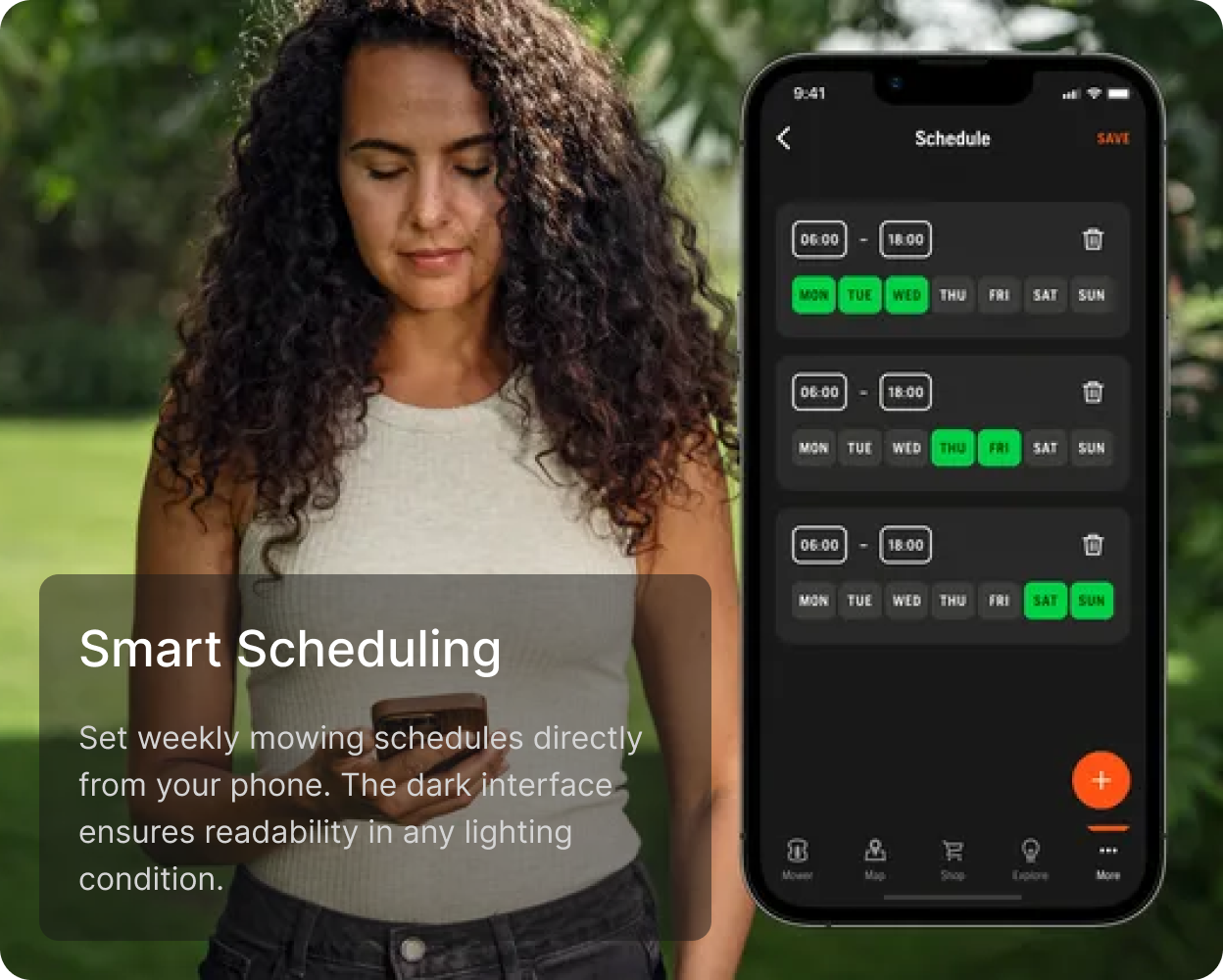
Flow 1
Plan
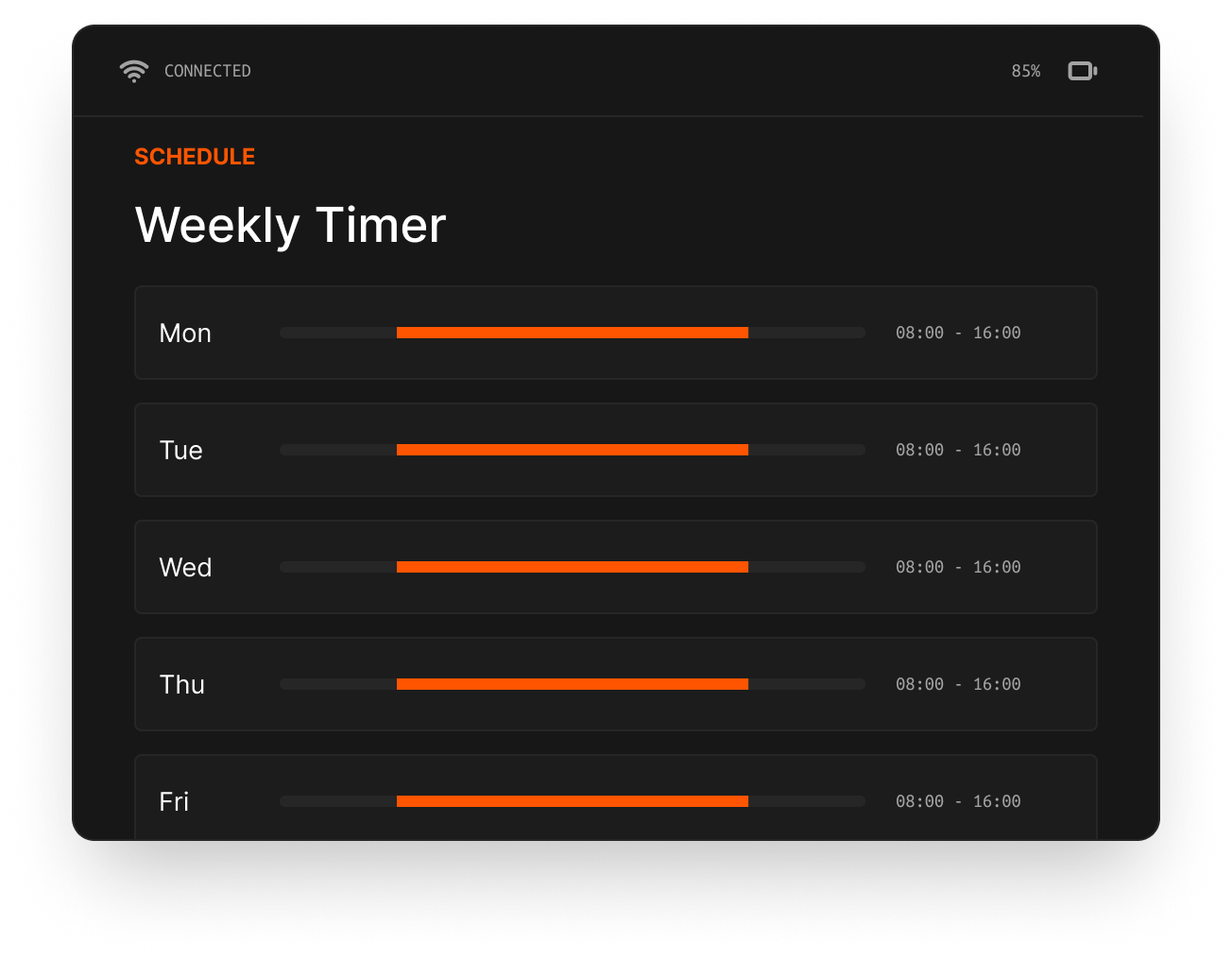
Translate recurring mower behaviour into a schedule people can check and adjust away from the machine.
 Husqvarna
UX Lead · 2016–2020 · Physical HMI and mobile app
A multi-year product-design effort to make autonomous mower status, scheduling, control and recovery coherent across a physical interface and companion app.
Relevant for: IoT & HMI · Complex hardware UX · Field research
01 · Product constraint
The product had to serve first-time homeowners and experienced groundskeepers across multiple mower families. Direct sunlight, wet hands, gloves, partial attention and safety-critical errors made a conventional screen-first approach insufficient.
The central design question became: which information and actions must stay on the machine, and which become easier when they move to a phone?
Tactile operation, long product lifecycles and limited display space.
Sunlight, weather, distance and interrupted attention.
Simple defaults for consumers; enough context for professional work.
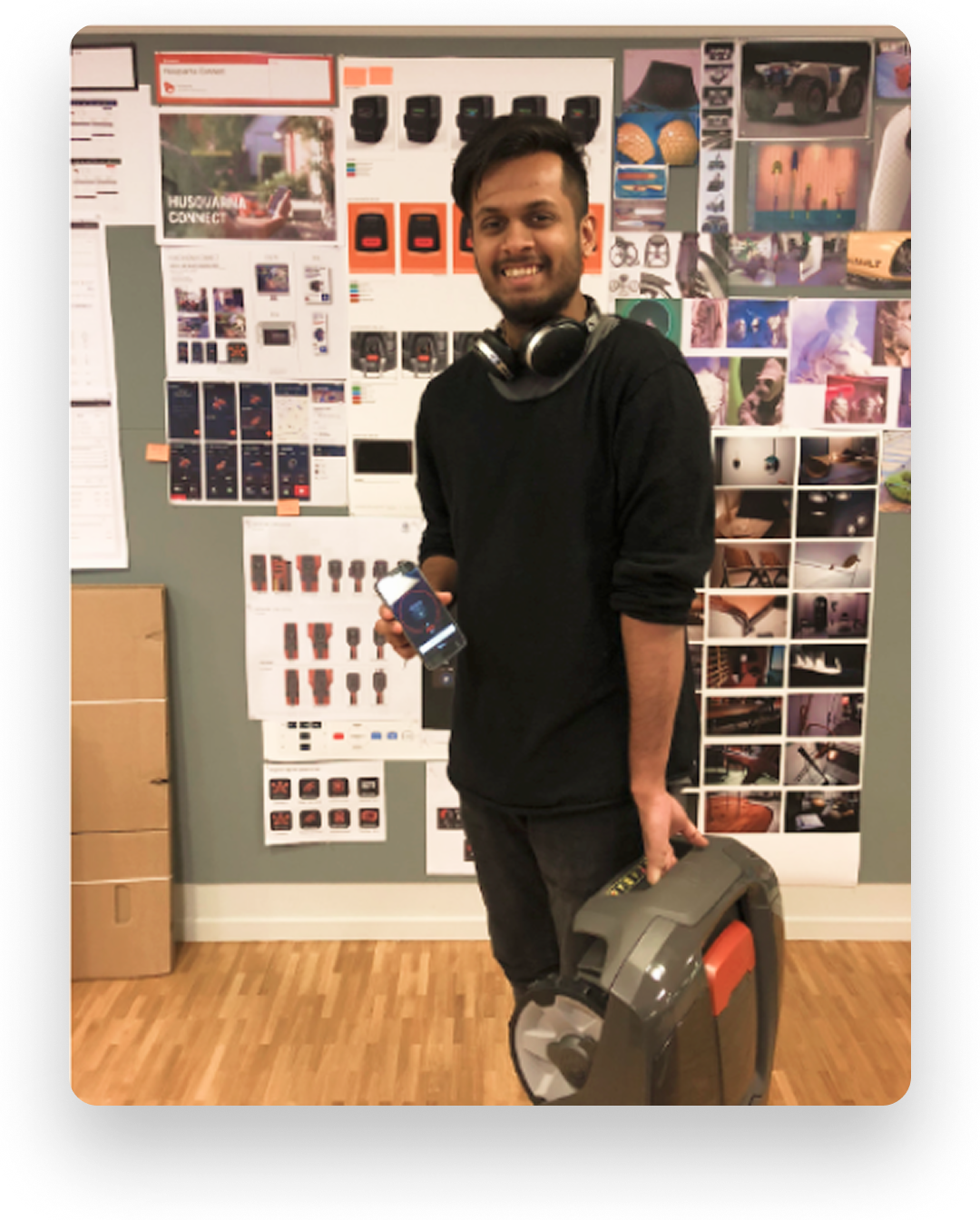
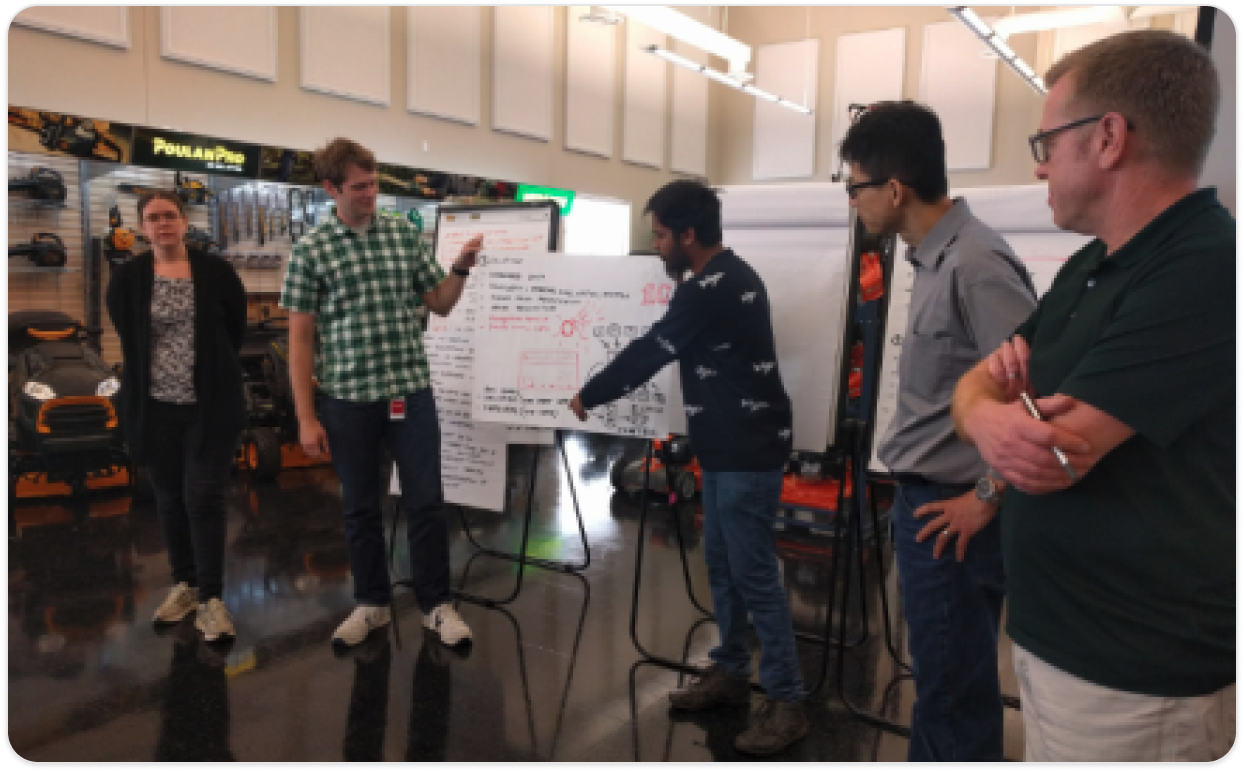
Stakeholder workshops surfaced engineering and portfolio constraints. Field sessions then tested assumptions with homeowners and professional users around setup, daily operation and error recovery. The work combined moderated and unmoderated studies across 16 participants and 32 sessions.
02 · Alignment
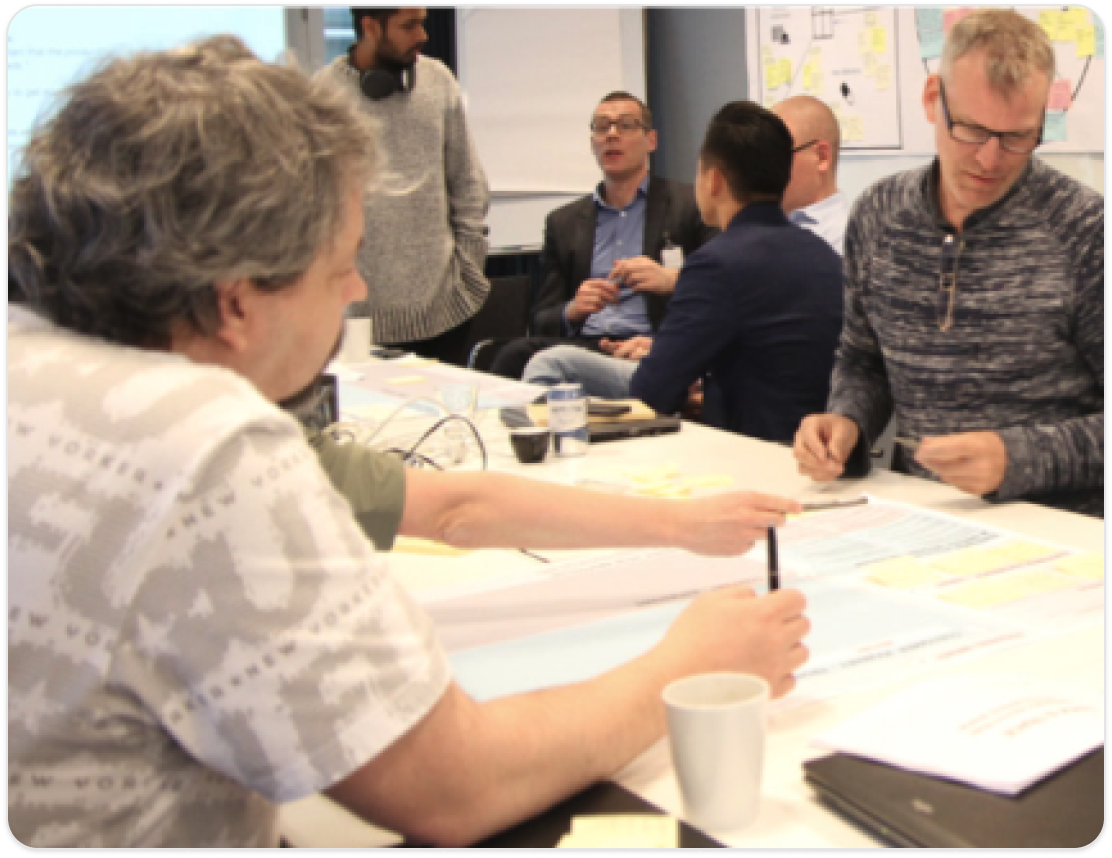
Workshops with product, engineering, sales and field teams established common terms for mower states, tasks and constraints. That model allowed the HMI and app to feel related without forcing identical controls onto different surfaces.
03 · Physical HMI
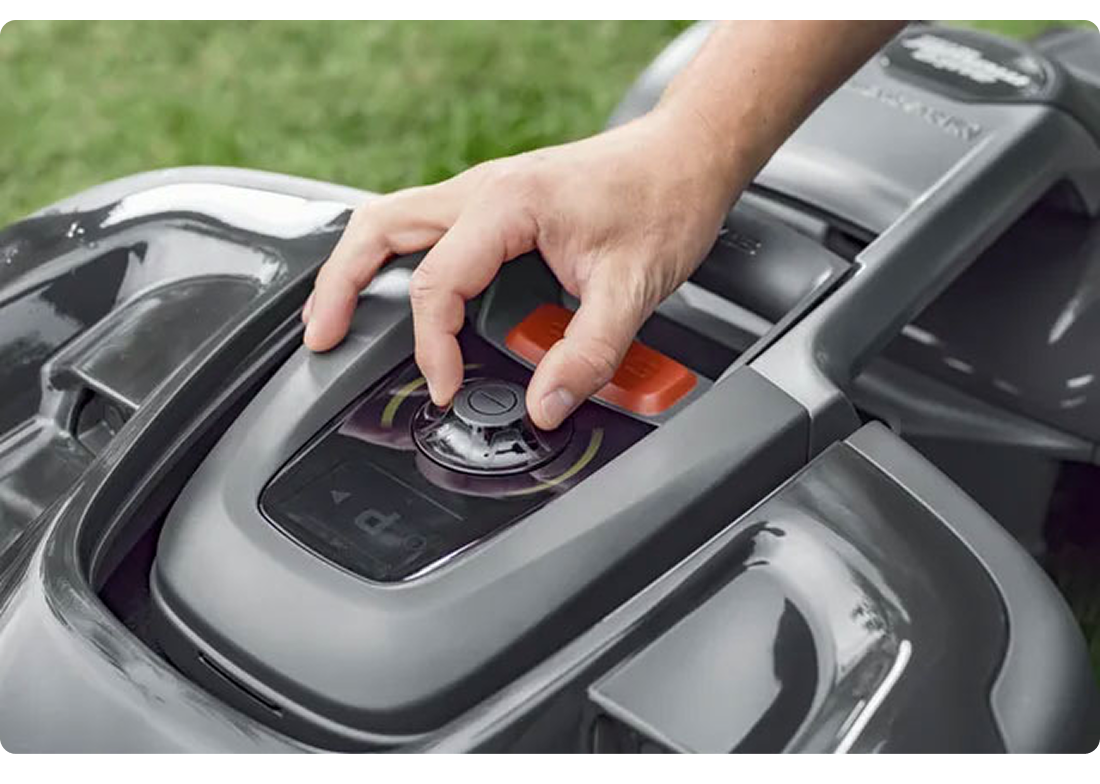
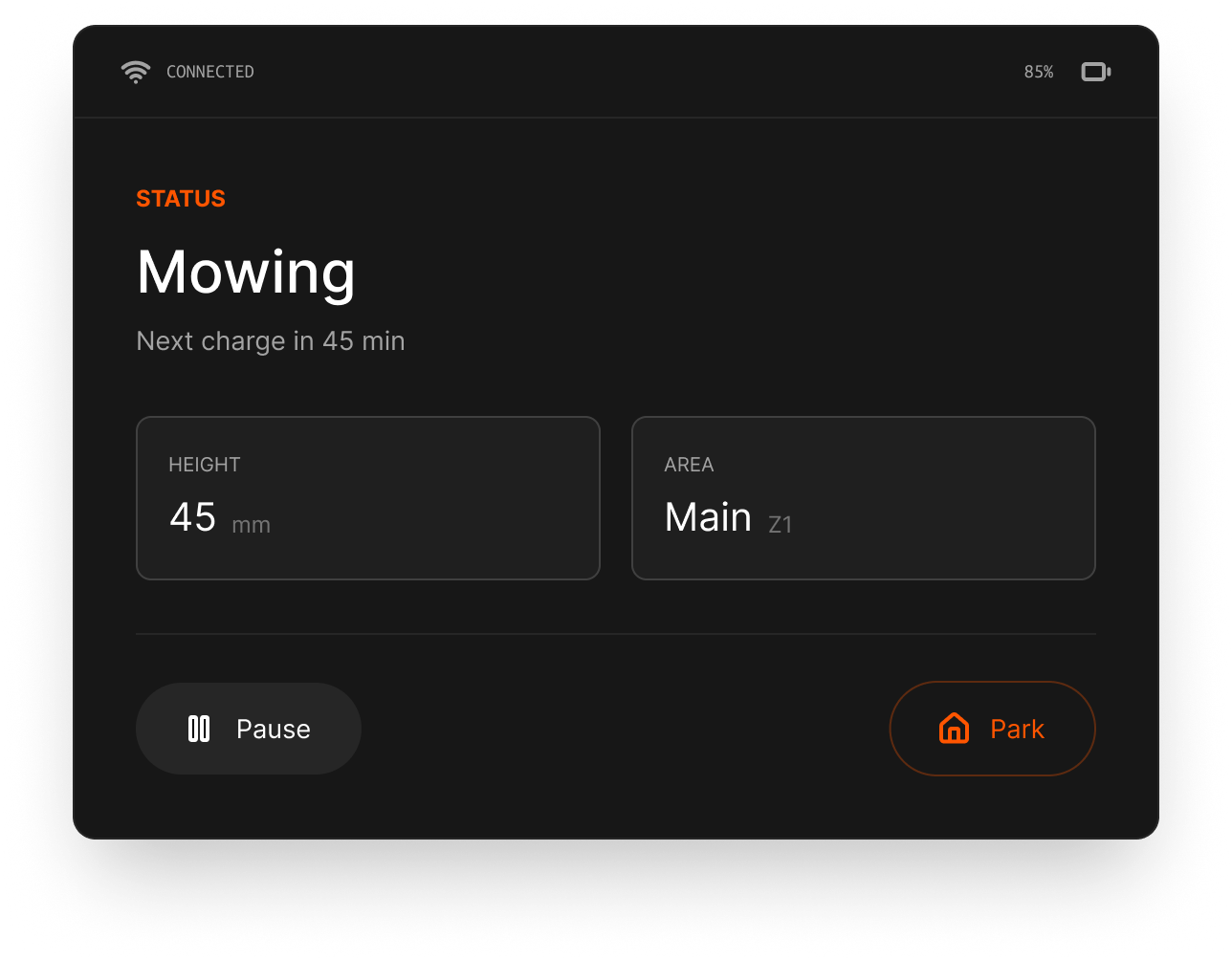
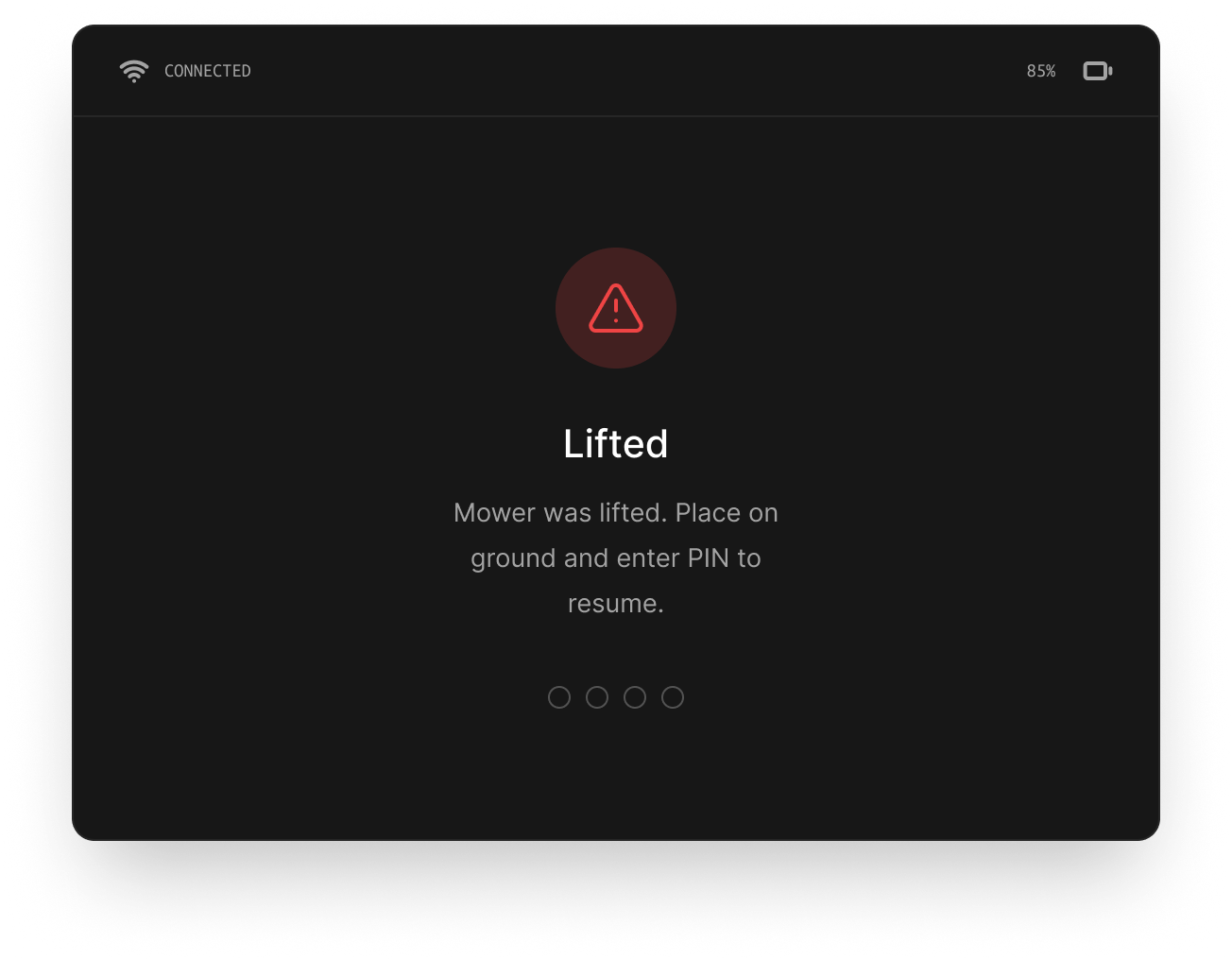
The physical interface prioritised the current mower state and a few essential commands. Scheduling and errors used plain language, high contrast and patterns that could be understood with a brief glance.
04 · Companion app
The app took on tasks that benefited from a larger canvas, location context or remote access. Three representative flows show the product logic more clearly than the complete screen inventory.
Flow 1
Translate recurring mower behaviour into a schedule people can check and adjust away from the machine.
Flow 2
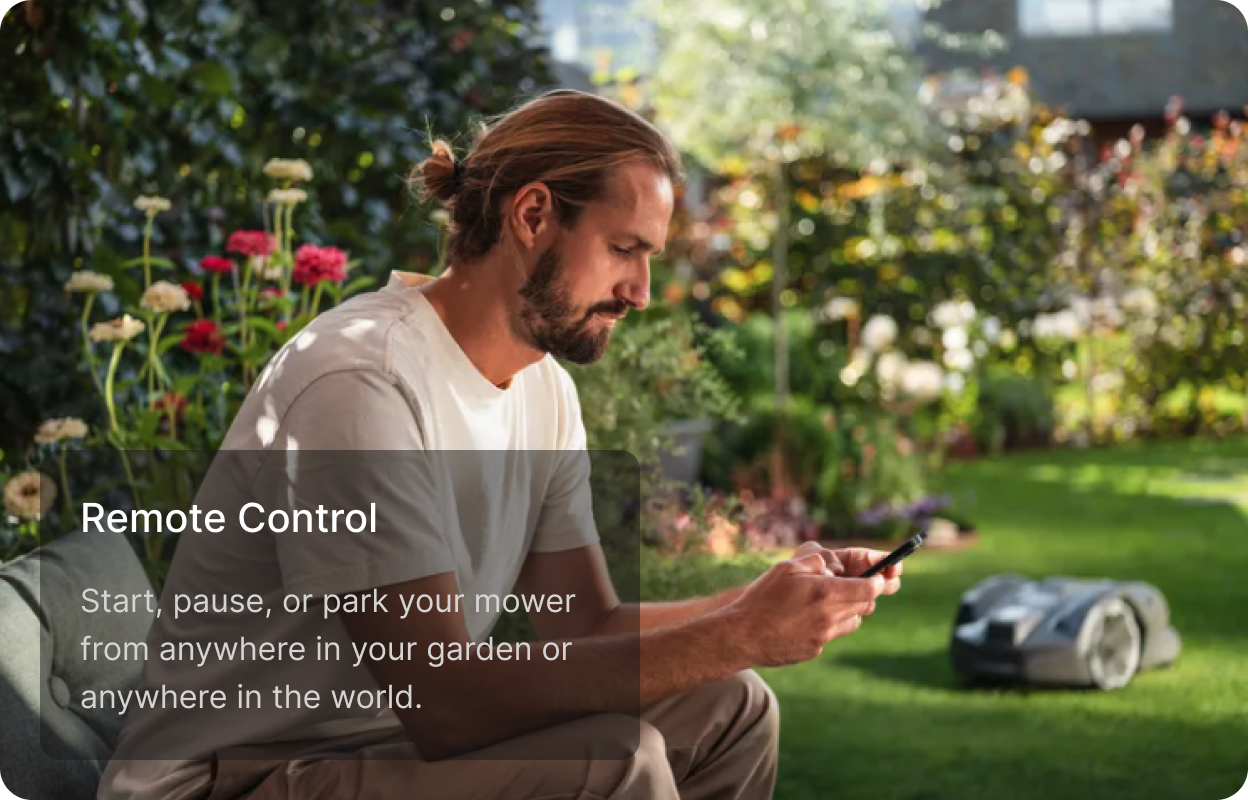
Expose a small set of high-confidence commands, with the mower’s current state visible before action.
Flow 3
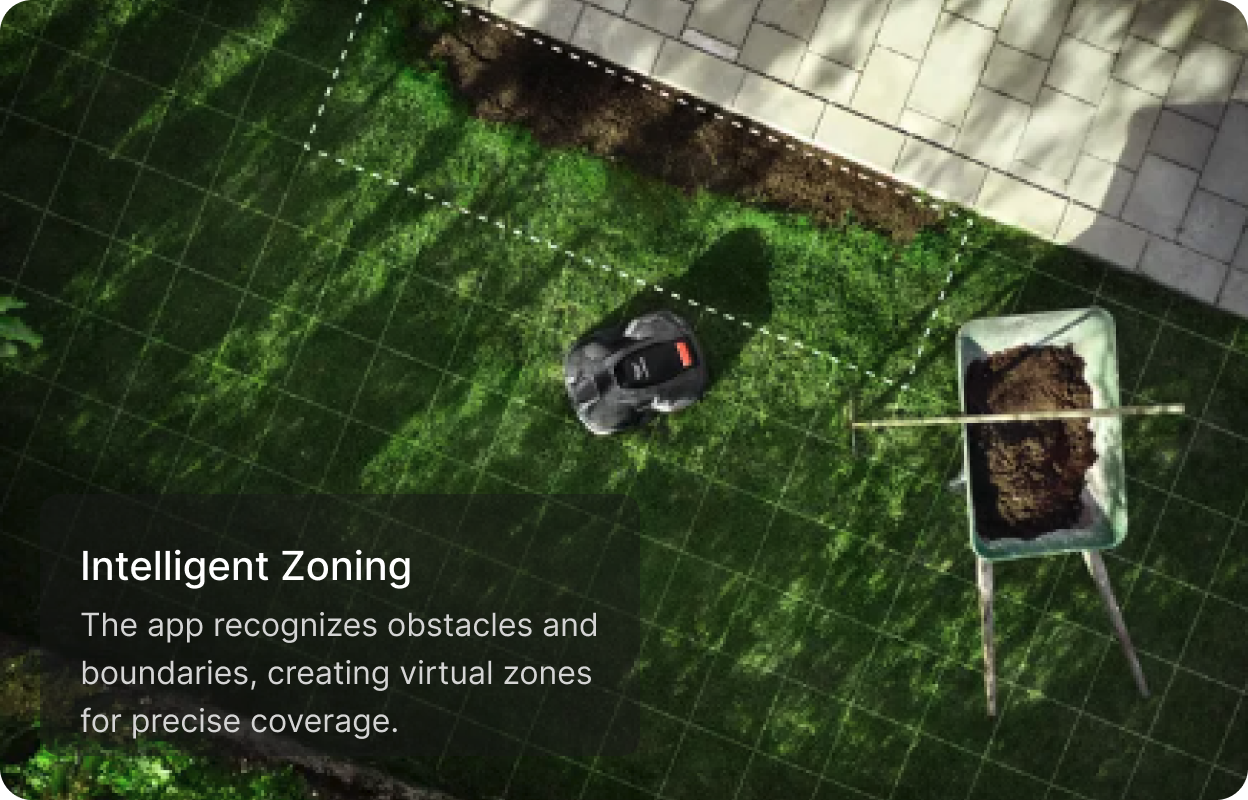
Use the garden as the model so obstacles and zones feel spatial instead of becoming abstract settings.
05 · Field validation
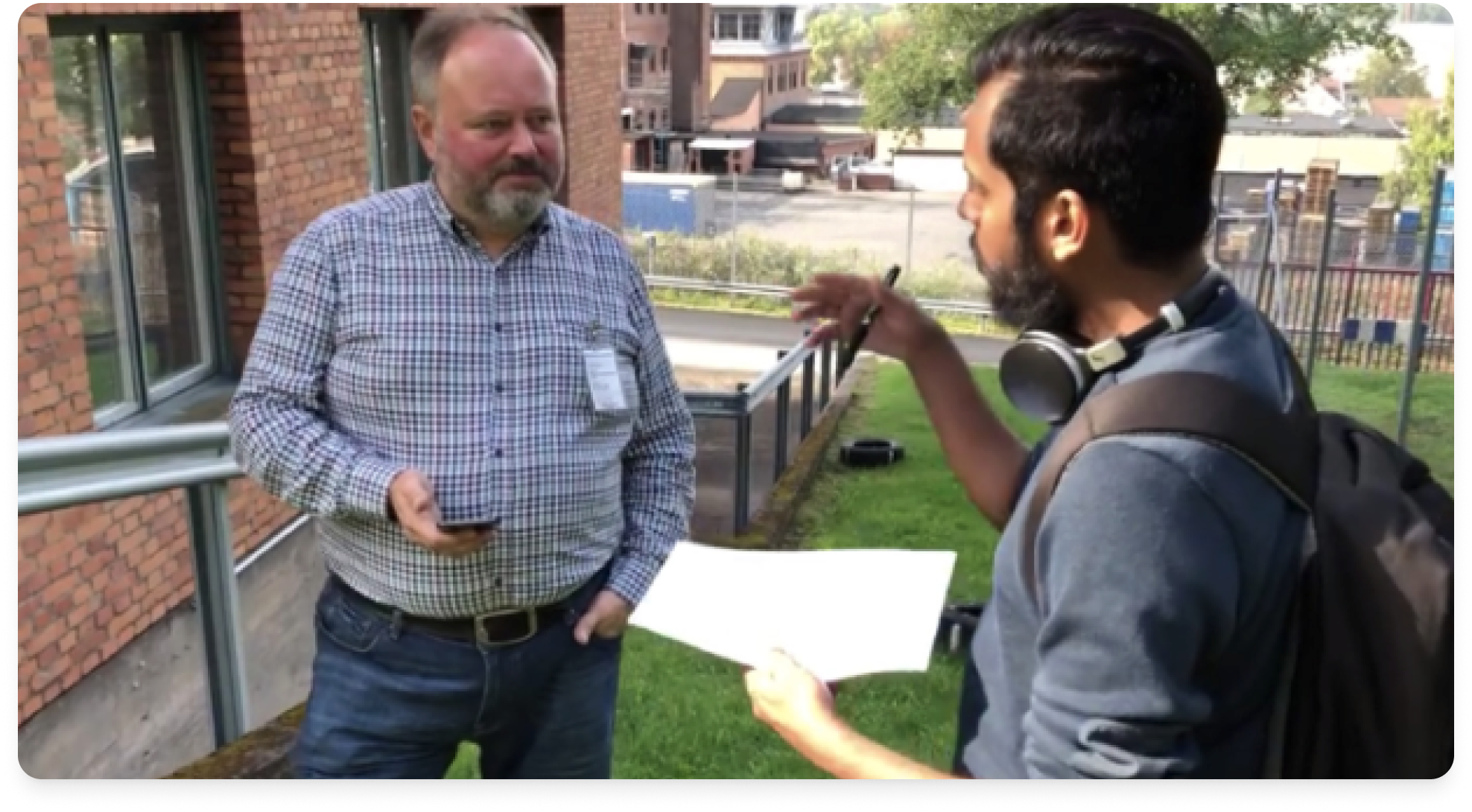
These are qualitative findings from the documented sessions. The available project material does not support a quantified claim about onboarding, retention or task-time improvement.
Contribution
I led product design across research synthesis, interaction concepts, prototypes, workshop facilitation and field validation. The work connected hardware constraints with mobile capabilities over a 3.5-year programme.
Reflection
Earlier involvement of professional users would have clarified the need for denser operational views sooner. More frequent physical prototypes at the start would also have reduced later HMI iterations. Both lessons now shape how I plan connected-product work.